Data Folder
Your presets are plain files in a folder you choose — not locked inside a .blend or Blender's config.
Where it lives
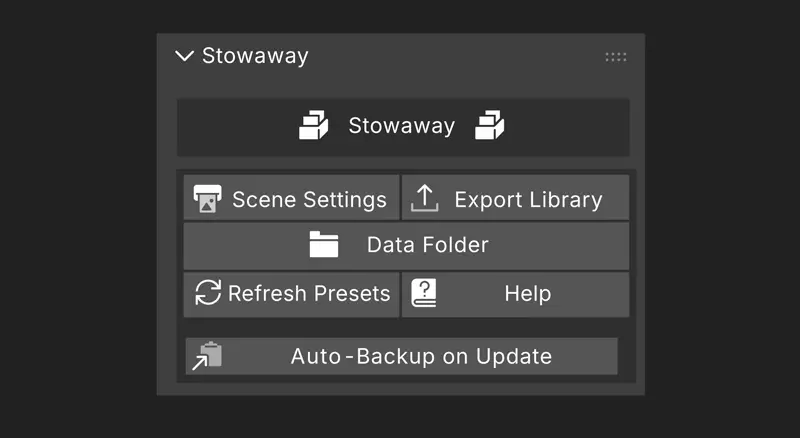
Preferences → Add-ons → Stowaway → Storage Directory. Point it at Dropbox, a network share, or an external drive and the same library follows you across machines. Point it at a folder that already contains a Stowaway library and it picks those presets up. Open Data Folder (pie: ↘) opens it in your file browser.
Moving, backing up, and sharing
Export Library writes your whole library to a single zip — for backup, for moving to another machine, or for handing to a colleague. Import Preset brings individual presets in — you can also drag a preset file straight into the Blender window. Clean Up Library finds files in the storage folder that no longer belong to anything and offers to remove them, with a confirmation listing exactly what it found.
On the storage folder
It's your folder, and Stowaway only ever touches files it created there. Pointing it at your Documents folder won't put your other files at risk.